Cloud / browser
Bravo
A retail platform with pawn workflows, inventory management, and tools for operating across locations.
Pawn workflowsMulti-locationInventory
THE PAWN SHOP BUYING GUIDE
For the business behind the counter. Explore software, find the right equipment, and make your next move with confidence.
Practical research. Clear sources. Questions that count.

LET’S MAKE YOUR NEXT MOVE
A new shop. A fresh system. A better setup.
Start with what matters to you.
Know what to ask, what to test, and what your first system needs to do.
Start with the buying checklist ↗Explore seven providers and compare the details that matter at your counter.
Explore the software directory ↗From your first label of the day to the last item in the showcase. Make it work better.
Find your equipment guide ↗THE SOFTWARE DIRECTORY
Seven researched profiles. Clear source links. Practical questions for your next demo.
Explore all seven providersA retail platform with pawn workflows, inventory management, and tools for operating across locations.
Pawn point of sale with inventory, reporting, marketing tools, and connections to online sales channels.
Pawn and retail workflows with customer reminders and online payment options described by the vendor.
Three profiles to start exploring. Profiles use vendor-published facts, checked October 5, 2026. No owner ratings have been published.
How we researchBEYOND THE SOFTWARE
Labels, security, showcases, jewelry tools and ID scanners. Start with the task before choosing the equipment.
Browse equipment guides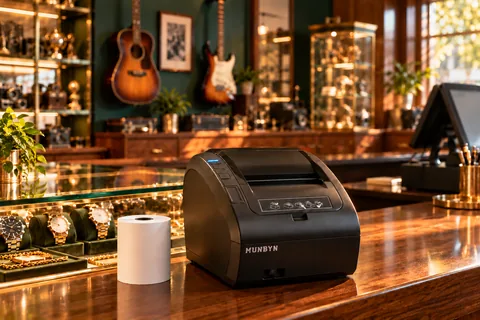 Illustrative shop scene
AT THE COUNTER
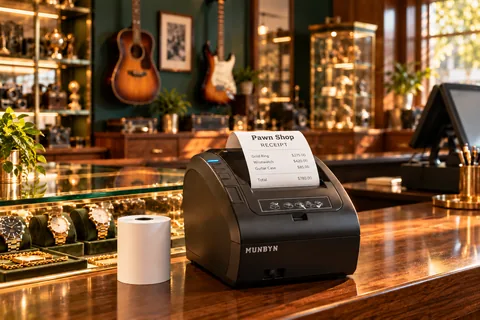
Make intake, labeling and checkout easier to plan. Start with compatibility, then consider your daily volume.
Explore the guide Illustrative shop scene
KEEP AN EYE ON THE SHOP
Plan around your counter, entrances and display areas. Decide what you need to see before comparing camera specifications.
Explore the guide Illustrative shop scene
MAKE YOUR INVENTORY SHINE
Help customers see what you have. Choose display fixtures around your floor plan, item sizes and day-to-day access.
Explore the guide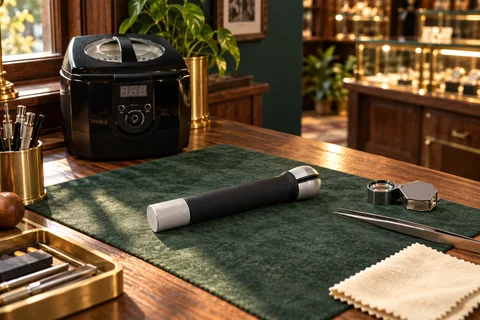 Illustrative shop scene
SMALL TOOLS. USEFUL DETAILS.
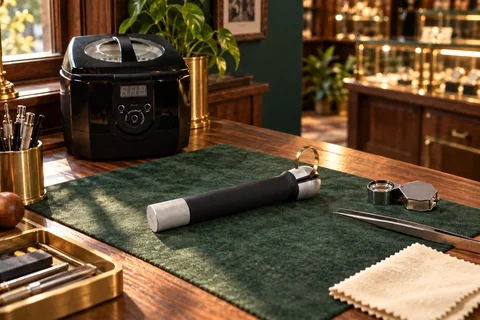
Explore cleaning, inspection and bench-tool needs for the jewelry services your shop actually provides.
Explore the guide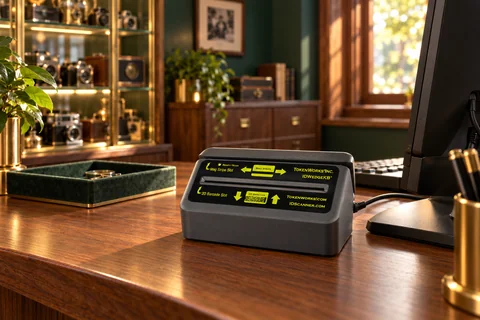 Illustrative shop scene
A MORE ORGANIZED INTAKE
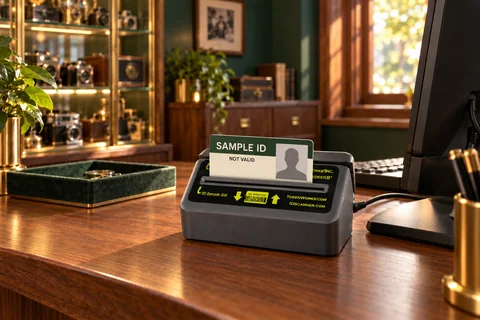
A scanner is only useful if it fits your workflow. Start by checking your software’s supported devices and data handling.
Explore the guideSupplier links are ordinary links. No affiliate tracking is active.
Your experience.
A clearer picture.
Six questions about the software you use every day.

BEHIND THE COUNTER
A useful review starts with actual experience. Tell us what happens when your counter gets busy.
Owner research is growing. Responses are reviewed before use. See the research and results.
BEFORE YOU BUY
PAYROLL, SCHEDULING & HR
Compare Deel, Rippling, BambooHR, Paycom and ADP. Understand costs, test daily workflows and plan your switch.
Read the guide ↗SOFTWARE BUYING GUIDE
A practical demo script for evaluating pawn software, from intake to reporting.
Read the guidePAWNMASTER TRANSITION GUIDE
Plan a PawnMaster transition, compare alternatives, and verify your data before a cutover.
Read the guideCOST PLANNING
Estimate software, setup, hardware and recurring extras over one to ten years.
Read the guideCONVENTION PLANNING
An Orlando convention planning guide with vendor-demo questions, equipment checks and travel help.
Read the guide