Start with the label
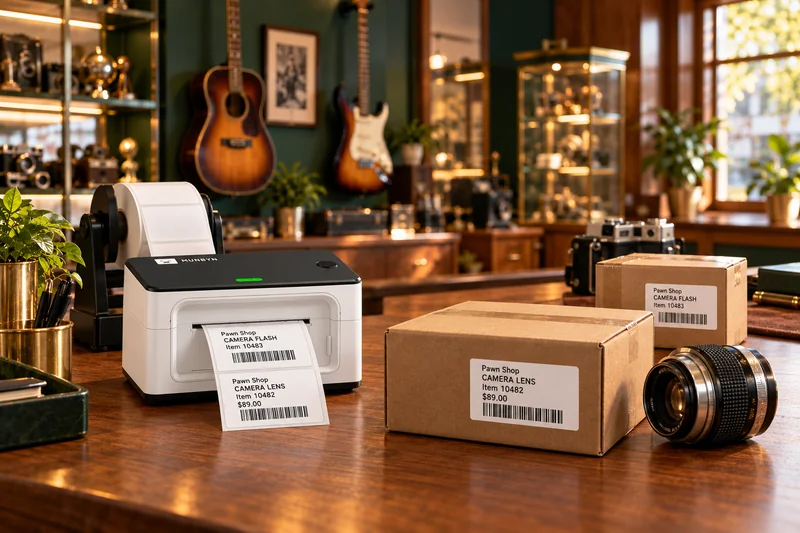
Jewelry needs a different tag from a power tool or a boxed appliance. Write down the smallest tag you need, the information it must show, and where it will attach. Test the label on the item instead of judging it only on a screen.
Match the whole workflow
Ask the software provider to print an intake tag, pawn ticket and retail label on your proposed hardware. Check whether a label printer uses direct thermal stock or a ribbon, how the barcode is generated, and whether a scanner reads both product and customer-ID barcodes.
Budget for supplies and a spare
Compare the price per usable label, replacement rolls or ribbons, cables, and a backup plan for a busy day. A cheaper printer is not automatically a cheaper system when supplies and reprints are included.
Compare these details
- Exact model and connection type
- Tag width, length and print resolution
- 1D barcode versus 2D ID-scanning requirements
- Supply availability and cost per label
- Warranty, return window and spare-device plan
Ask before buying
- Can you demonstrate this exact model with our software and tag stock?
- Will this scanner read the ID formats our shop needs?
- Which settings and drivers will you support after an update?
Your working checklist
Checkmarks stay on this device. They do not submit a response.
0 of 5 checked
ABOUT THIS GUIDE
General purchasing considerations from PawnShopSoftware.com. Supplier links identify places to explore; we have not independently tested the products. Confirm current specifications with the supplier and compatibility with your software provider.
Suggest a correction